
Recording of the December 8 online premier. Thanks again to everyone who attended.
The Woods in Winter
The third Christmas ghost story by Matt Rasmussen
“I tell these things as accurately as I can, and with no theories to blur the history. Theories are poor things at the best, and the bulk of mine have perished long ago.” -W. B. Yeats

Where the houses ended, the woods began. Neither had a name. The houses didn’t merit one, and the woods could not be encompassed by one. The woods were not merely deep–one might think, endless–but defied one’s sense of scale and order. Wonders were meant to cease. Down the very first path lay a cathedral of pines, tall, solemn and breathless, forever dissolving into the faintest haze. Not far along, three chattering falls met like a fleur-de-lis to run laughing away down a narrow, secretive gorge. Above, a hillside rose, so vast and even that the trees seemed to grow sideways. At the top, a great ledge of quartz split apart to form a silent, mossy inner sanctum. Wander deeper and discover more. The wood’s imagination was never exhausted. The only limits were endurance, and how much one’s heart could hold. Spring, summer and fall, all walked the woods as if in a shared dream. But in winter, no one entered the woods.
In winter, when the shadows of the trees stretched toward them even at midday, the houses became lighted bastions. Visits were begun by early dusk, and lasted until the late light of morning. Candles burned in windows all night long. Snug and warm, these were the hilights of the children’s year, the winter sleepovers with cousins and friends. Good things were exchanged: Principally sweets for the kids, knitwear for babies, and alcohol for adults. Parents stayed up late to sing and toast. If snow fell overnight, it was a good sign for the turning of the year.
Martin and his family didn’t live in one of the old houses, whose small-paned windows scraped the very edges of the forest. Their sashes were of wood, not iron. Their walls were plastered brick, not lichened stone. A boy his age needn’t duck under heavy timbers to move from room to room. The path up their garden bore only a single loop, long overgrown. A hawthorn could be found above the hedge gate, but it was only a carving.
Several houses (which his father called new) faced the roundabout, inside of which had grown up a small stand of beech trees, sparse enough that the lights of the facing houses showed clearly through their paper-white trunks. Whether it was a wood or not, it was here that Martin had first seen her.
She was white, pale as the frost on the grass. “I’m your sister,” she’d said. Her breath didn’t show in the cold.
“I don’t have a sister.”
That’s what he would have said, but Martin knew she’d have shot back, “Are you calling me a liar?”
“Why is your face painted like a fox?”
This, too, he hadn’t asked, but it was just as well. “It’s NOT painted,” she’d have replied.
So little had passed between them. Had he said anything at all? He could remember almost nothing. Questions had been answered without being asked.
A boy other than Martin might have wondered how this could be. A boy other than Martin would have been afraid, or cautious, or at least intrigued. A boy other than Martin would have hesitated to tell his mother.
“You shouldn’t have been out past dark,” she said.
Continue reading “The Woods in Winter”From “The Celtic Twilight” by William Butler Yeats
Hope and Memory have one daughter and her name is Art, and she has built her dwelling far from the desperate field where men hang out their garments upon forked boughs to be banners of battle. O beloved daughter of Hope and Memory, be with me for a little.
From “Negotium Perambulans” by E. F. Benson
But they are linked together, so it has always seemed to me, by some mysterious comprehension: it is as if they had all been initiated into some ancient rite, inspired and framed by forces visible and invisible. The winter storms that batter the coast, the vernal spell of the spring, the hot, still summers, the season of rains and autumnal decay, have made a spell which, line by line, has been communicated to them, concerning the powers, evil and good, that rule the world, and manifest themselves in ways benignant or terrible . . .
The Day I Cancelled Netflix
Wow. 2011. That’s a long commitment. It was a DVD service then. My computer had a slotloader drive. They’d get just about anything you asked for, if you waited long enough.
Then they added streaming. That was fun.
Then they tried to split discs and streaming, and had to do a desperate volte-face.
Eventually, they dropped discs anyway.
Original productions. Some bad. Some great. Most average. Most expensive, until they weren’t. Three seasons of Dark, but 1899 only survived one. The streaming wars peaked. No one could burn money like they used to.
But they were profitable.
And, although profitable, they wanted more.
We all dropped cable, because it cost too much, and was full of loud ads and cheap garbage shows. Then the streamers all… wanted to make cable again.
But this time it’d be 100% vertically integrated. Watch it here, or don’t watch it at all. We hated that, but the suits loved it. Dark again… Dark had the best soundtrack of any tv show to date, but you couldn’t buy it. You had to build it your own damn self.
Rubbish.
Buy a great show, so you could watch it without internet? Forget it.
Rubbish.
And that’s the world–that’s the market Netflix gave us.
They make more per customer if they show us ads. So why not jack the prices up? Again, and again, and again… Finally, they were going to switch us automatically to an ads plan. Or charge more for the same thing. No, not worth it.
2011. Damn. But, money only understands money. Getting it, or losing it.
FAFO.
Out Now: Lillie is the Keeper 1.5 “Secrets”
The biggest update ever! Besides the lovely new Watch Room models blogged previously, please enjoy:
- Three new secrets to uncover
- New, streamlined AR setup
- Revamped models & textures
- Graphics, audio and performance improvements throughout
All this and it’s free through September 9! Grab your copy — and be sure to give it a star rating on the App Store. (It takes 3 seconds, and really makes a difference with search visibility.)
Edwardian Window Seat Bookshelf
This was supposed to be a quick, low-detail item. But it looked too much like a tv shelf. Two days later…
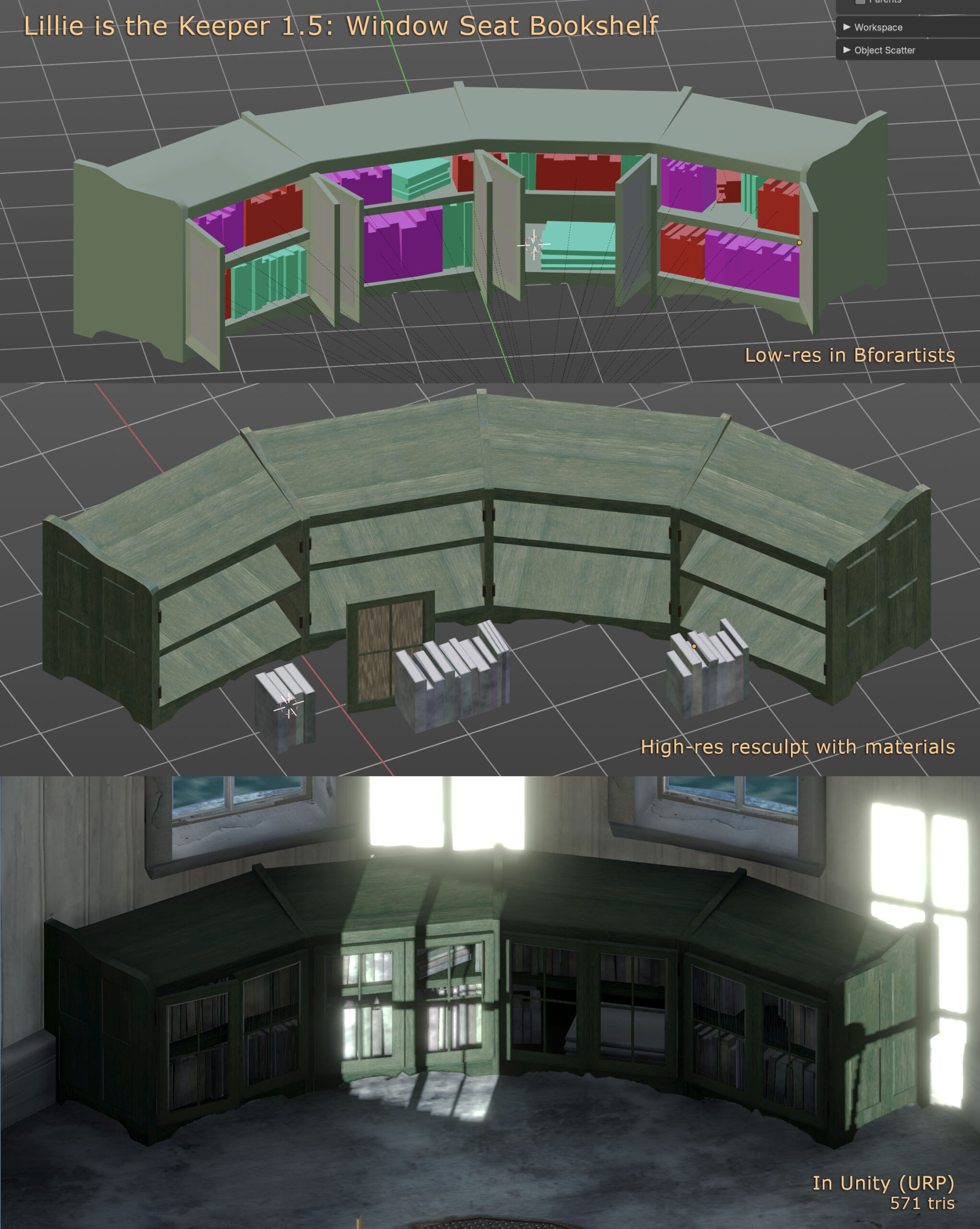
The everything-is-hand-modelled marathon continues with an assortment of new chairs, cleats, rings, hooks, rain gear, ropes and more. Look for Lillie is the Keeper 1.5 later this week, if all goes well.
1.5 will be titled “Secrets.” You’ll find out why.
Cortland-style Watch Room Desk
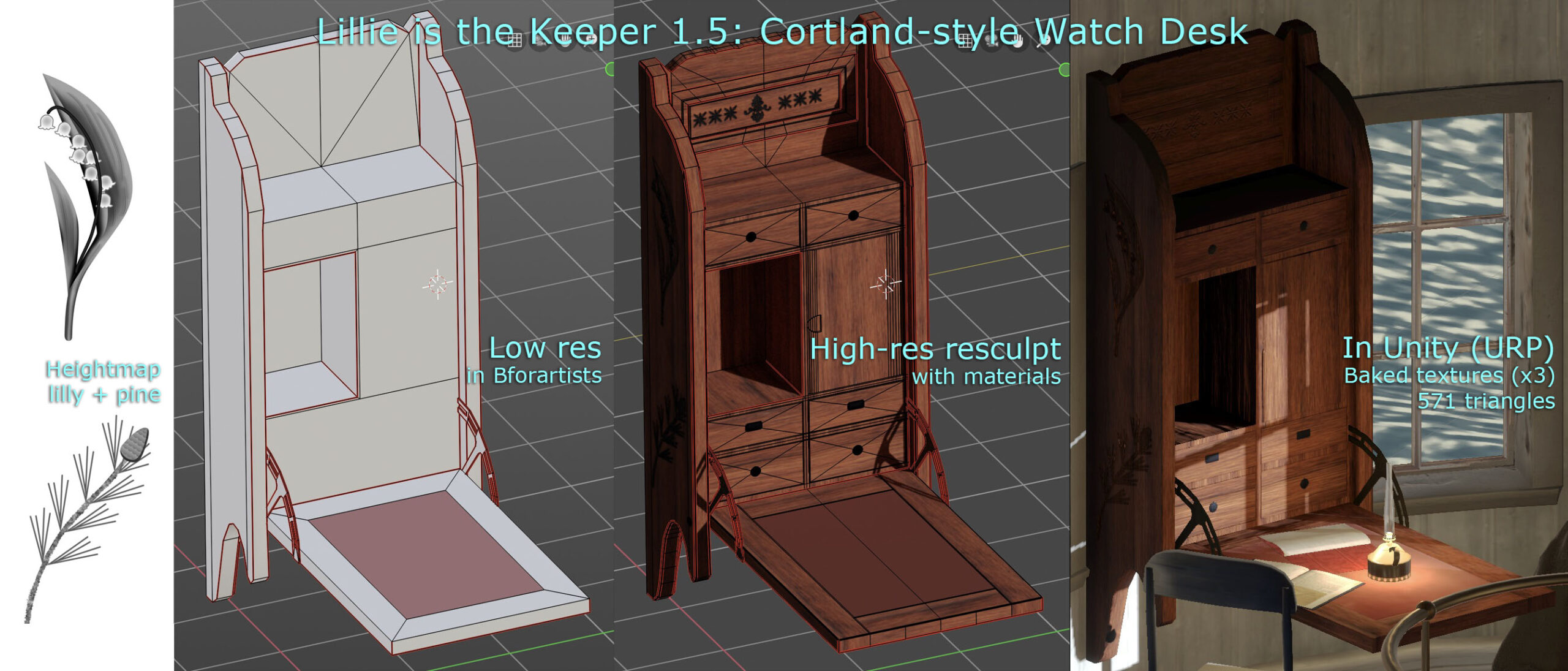
Stealing a bit of time to work on the next release of Lillie is the Keeper. I always wanted some sort of hero wall-mounted desk in the watch room (top floor, beneath the lantern). It’s rather a hub, as far as the game is concerned.
The design is inspired by a Victorian-era Cortland desk.
Don’t Say… Goodbye. Don’t Say… I Didn’t TRYYYyyy
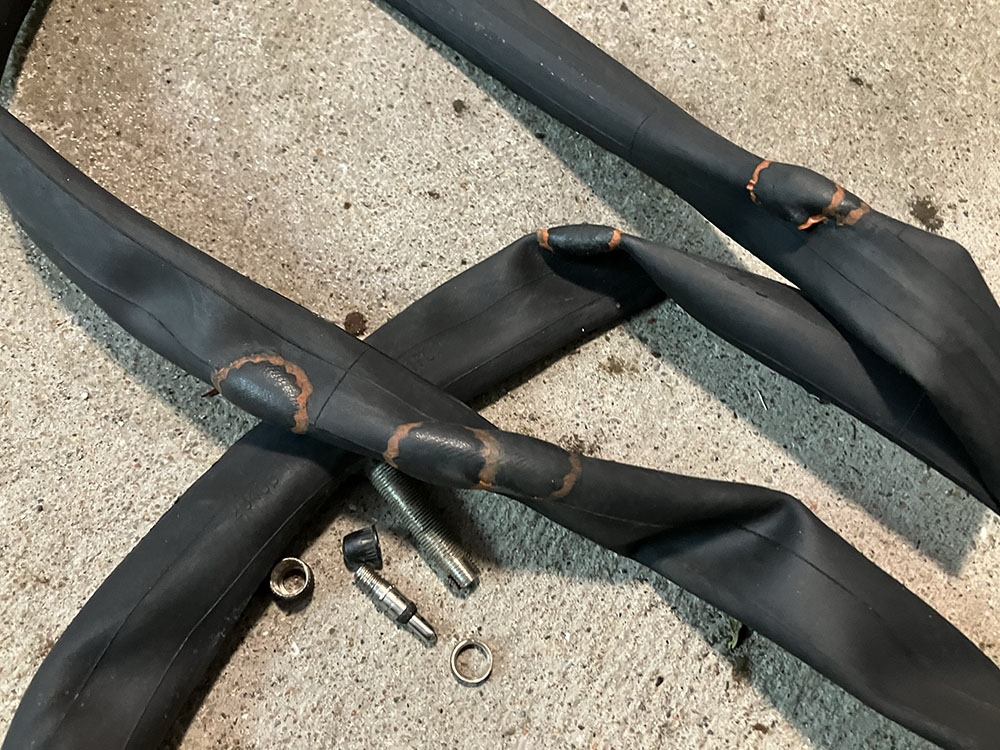
Should’ve gone for seven patches.
SimEarth
Got this absolute classic running in SheepShaver. Nostalgia overload.